$11.99
$14.99
50% OFF! Hot items selling fast—Grab them before they're gone!
 Unconditional Satisfaction GuaranteeNo Shipping Fees Above 302 Months to Decide. Returns Simplified.
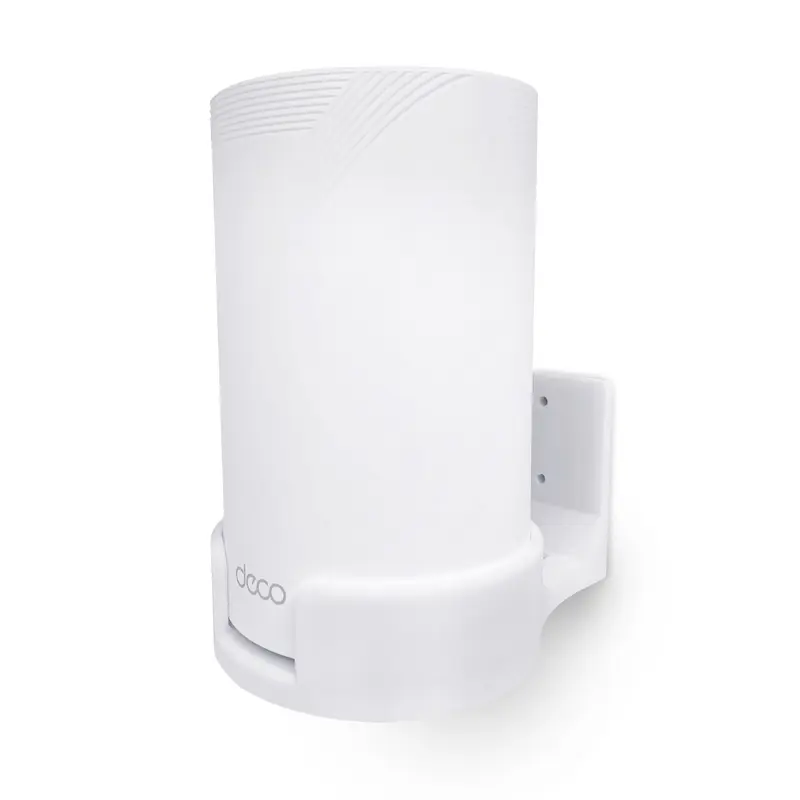
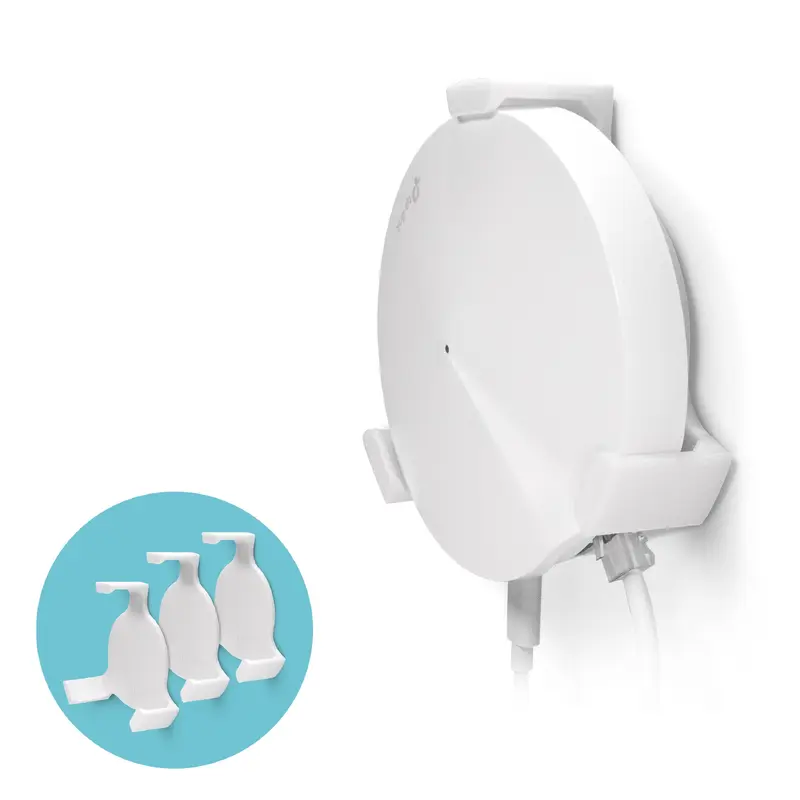
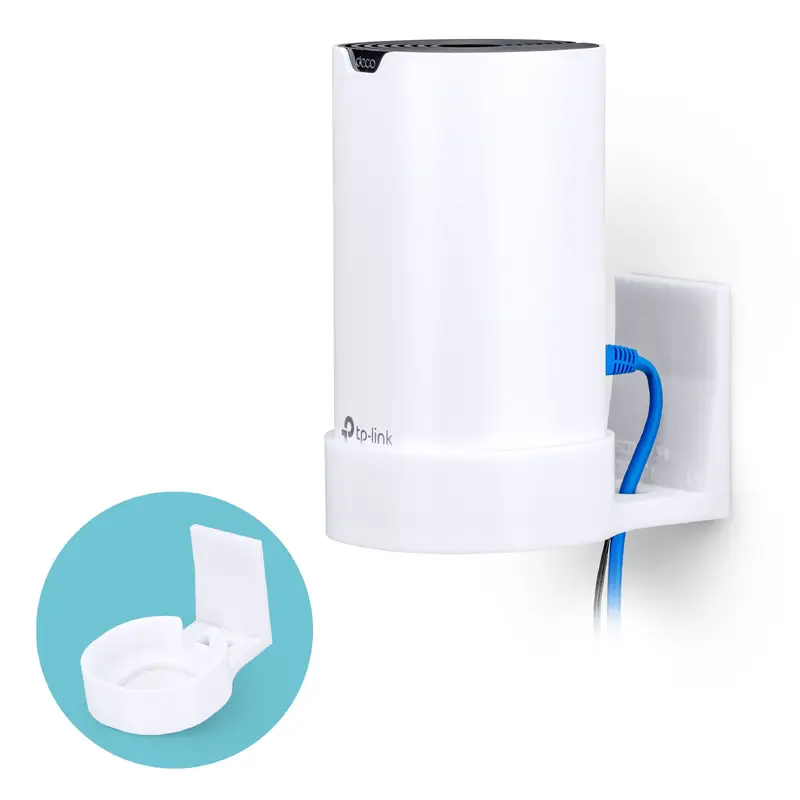
Get the most from our TP-Link Deco M4 or S4 Mesh WiFi system by placing it higher up on your wall with our wall bracket mount, safe, secure and better for maximum range and reception. When left on tables, the low level doesnt provide for the ideal situation for your router to reach its full potential.
Dont look for that drill or call your buddy over to make swiss cheese of your walls, simply remove the tape backing and apply our mount to your desired location, wait at least 2 12hrs for the VHB to reach max bond strength and youre good to go.
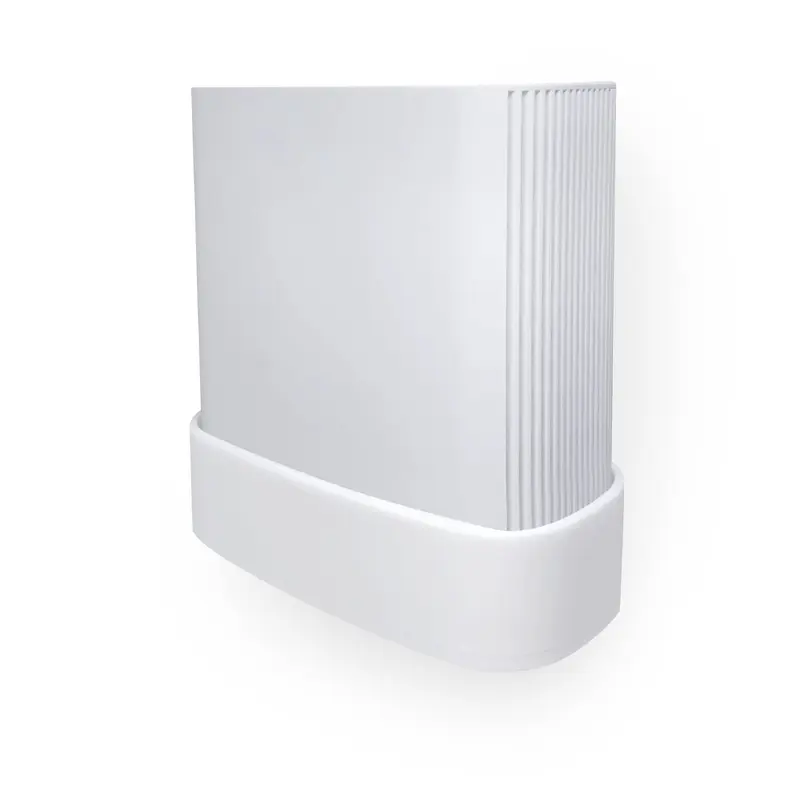
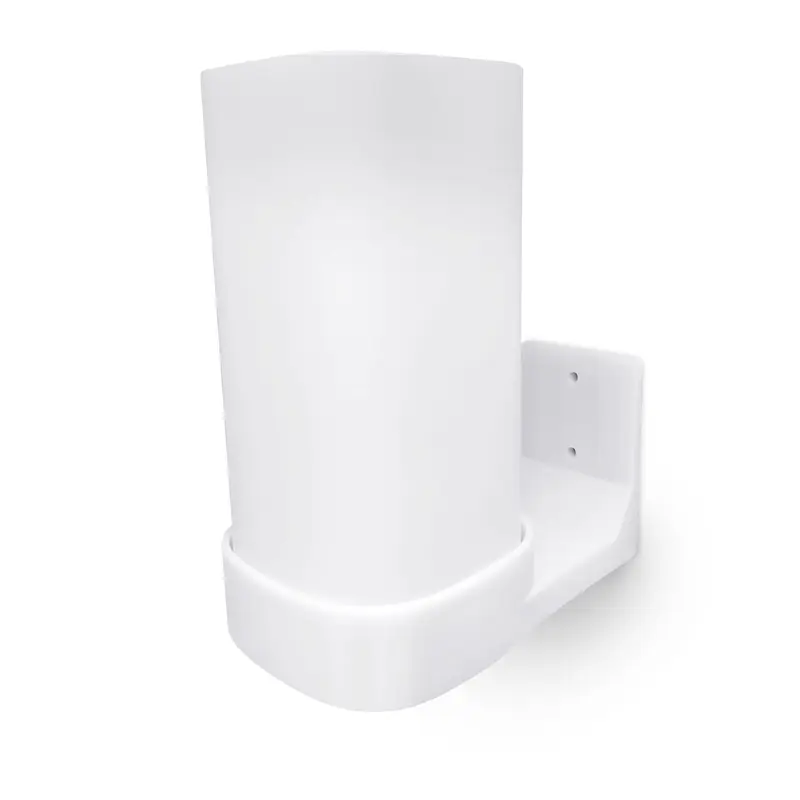
Our cradle design has been custom made to the curvature of the Deco M4 and S4 body shape, holding it firmly but with minimal footprint. Will look good in your home or office.
Our wall mount has been designed to not impede the WiFi signal of your Deco M4 / S4 routers.
This hanger is compatible with the following TP-Link models:
Max weight limit: Designed for use with TP-Link DECO M4 and S4 only
Read our 3M user guide here
Ensure you attach the hanger as per the instructions or your hanger will not preform to the best of its ability
All images are for illustration purposes only, TP-Link devices NOT included.
Do not install on wallpaper/painted/plastered wall, as the strong adhesive and weight of TP-link may break/rip off wallpaper/painted/plaster and come off! Ideally remove any wallpaper/painted/plaster from the area and affix it to the bare wall where you wish to attach the mount. VHB tape is super strong and is very hard to pull off by hand when fully bonded, but can be easily removed with use of a hair dryer.