$146.00
$999.00
50% OFF! Hot items selling fast—Grab them before they're gone!
 Unconditional Satisfaction GuaranteeNo Shipping Fees Above 302 Months to Decide. Returns Simplified.
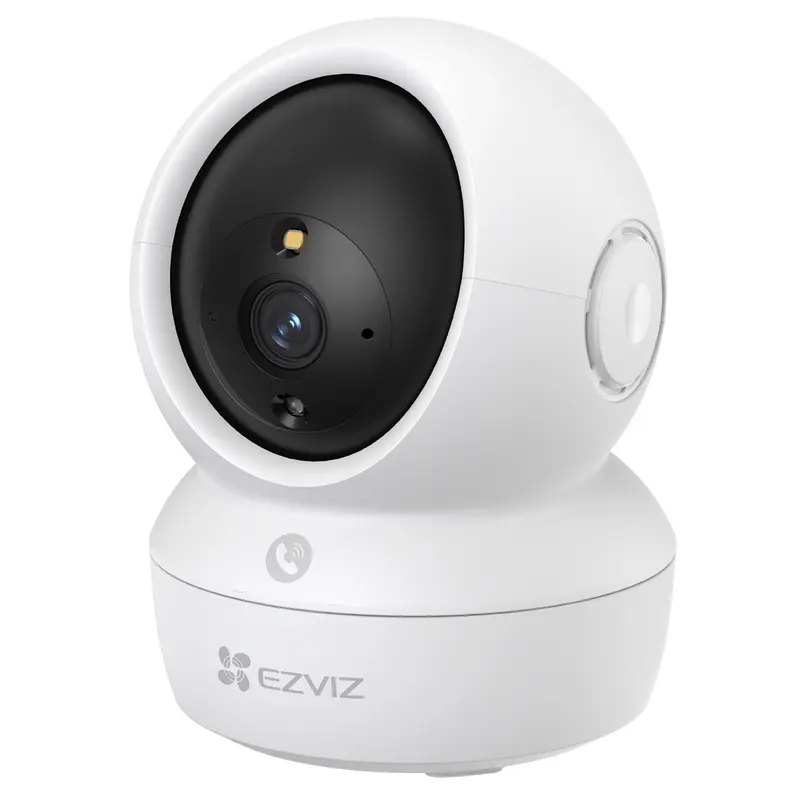
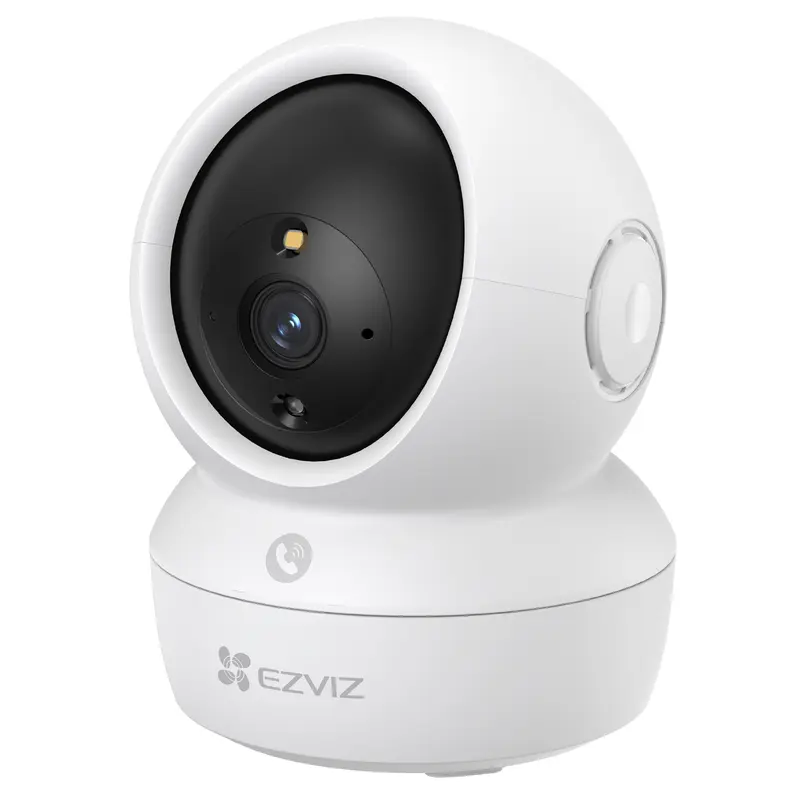
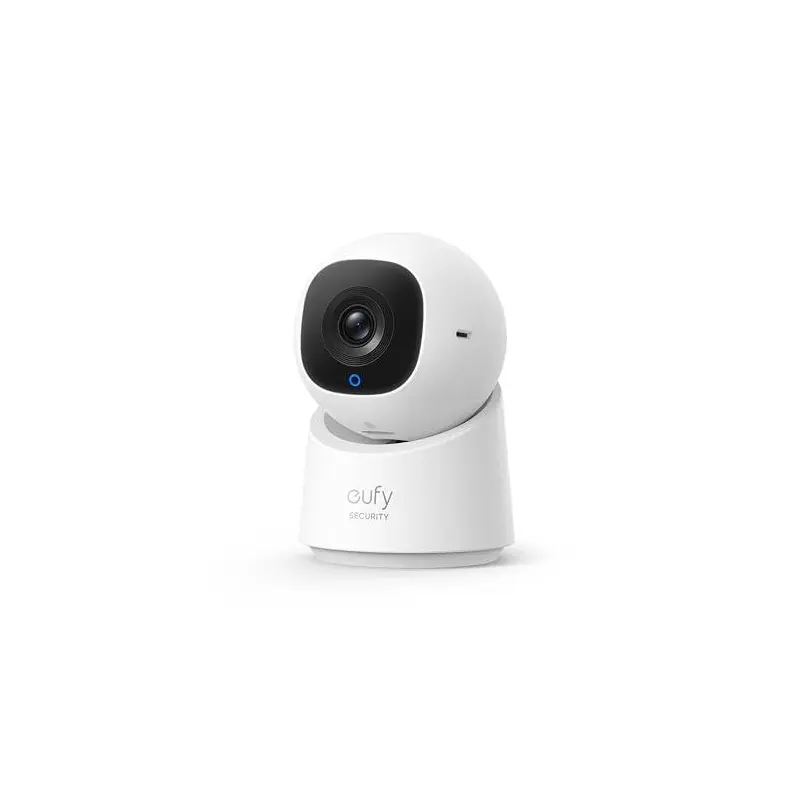
TheEufy C220 2K Indoor Pan and Tilt Camis designed to monitor activity in your home, anduses AI to recognize excessive noise levels.
Key Features
Experience crystal-clear2K Full HD Claritywith a wide340horizontal view.
Eufy C220 2K Indoor Pan and Tilt Cam
Our advancedAI tracking and motion detectionensure optimal security.
Enjoy seamless communication withTwo-way audioand hassle-free setup for added convenience.
Choose a Location
PlaceCamon a shelf or table, or mount onto your wall or ceiling.
Decide on a suitable location and height that achieves your desired view and is within reach of a power outlet.
NB! Keep theCamat least 0.7 ft (0.2 m) away from any objects or walls to avoid infrared reflections that can impact night vision performance.
NB! Disconnect theCamfrom the power outlet before mounting.