$13.59
$16.99
50% OFF! Hot items selling fast—Grab them before they're gone!
 Unconditional Satisfaction GuaranteeNo Shipping Fees Above 302 Months to Decide. Returns Simplified.
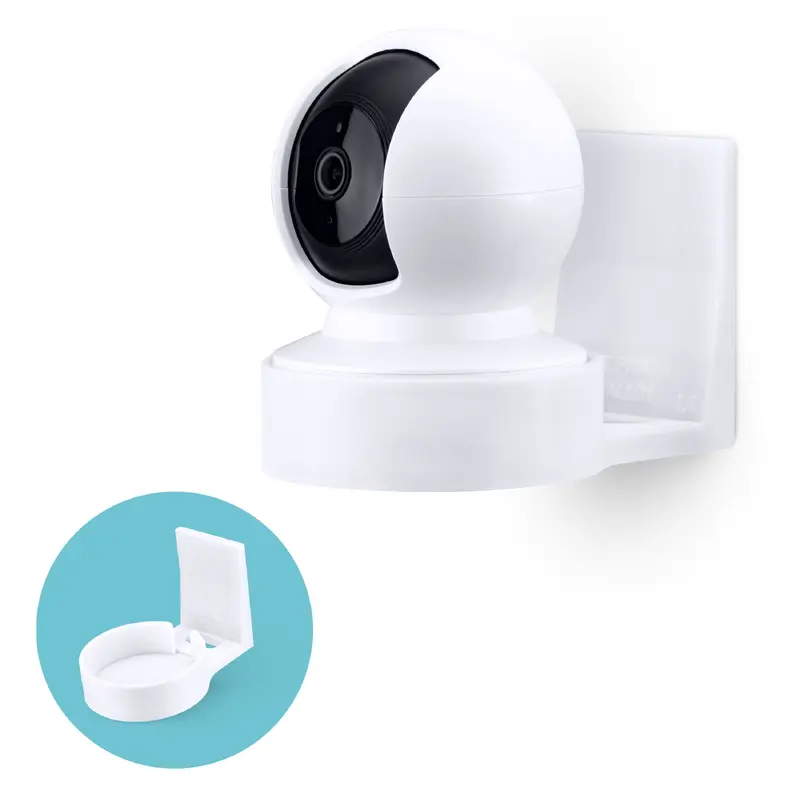
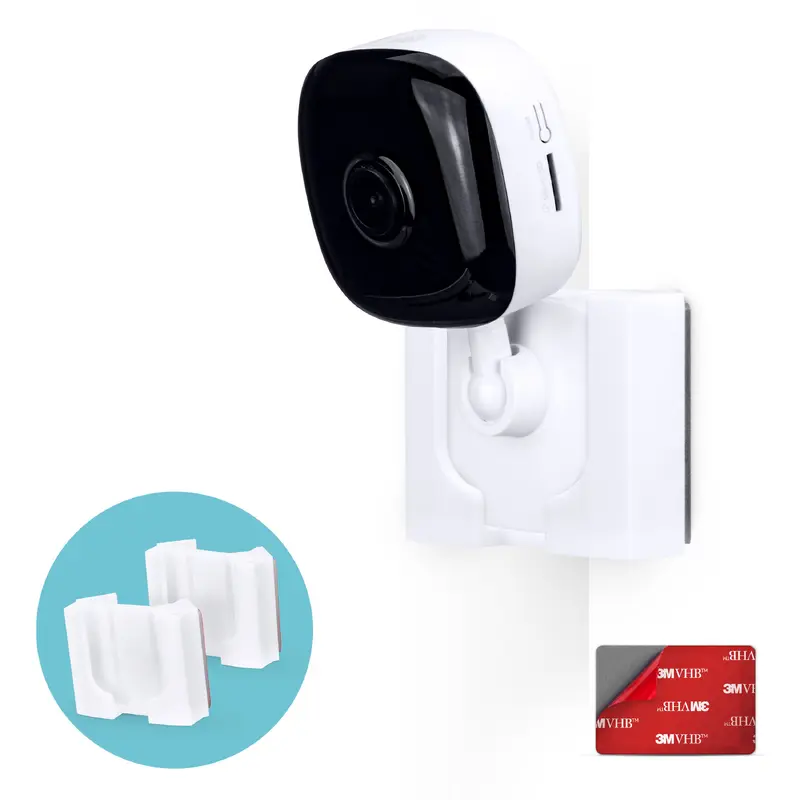
This bracket is designed specifically for the TP-Link Kasa Spot Security cameras (KC100, KC105 & EC60), it will NOT fit any other brand/model.
Easy to install corner wall mount for your TP-Link Kasa Spot Security camera. Simply remove the safety tape from the back of the holder, and place it in your desired area and position, let it sit there for at least 6 hours then slide your camera.
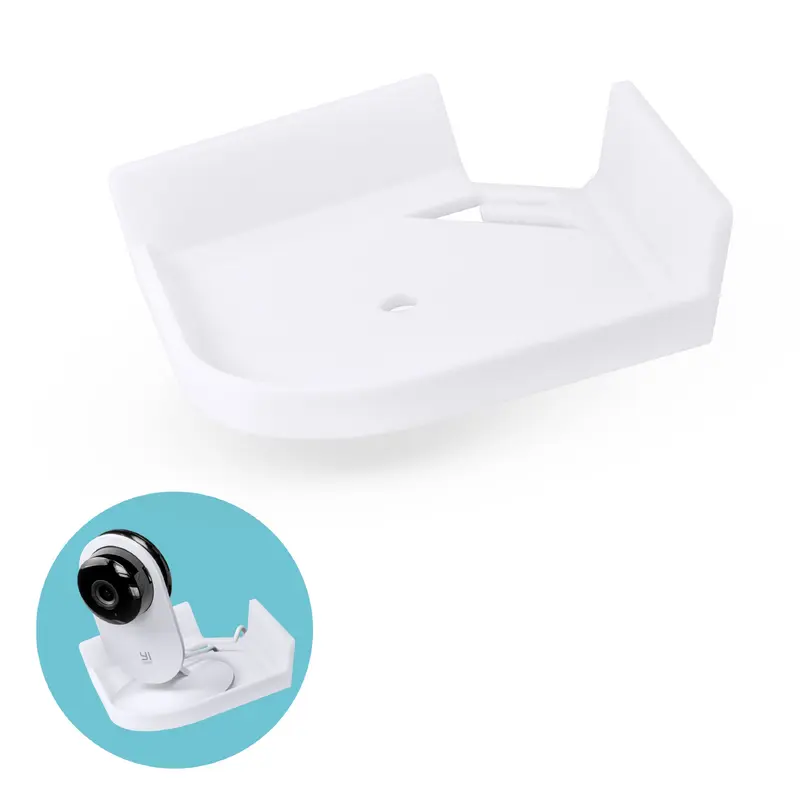
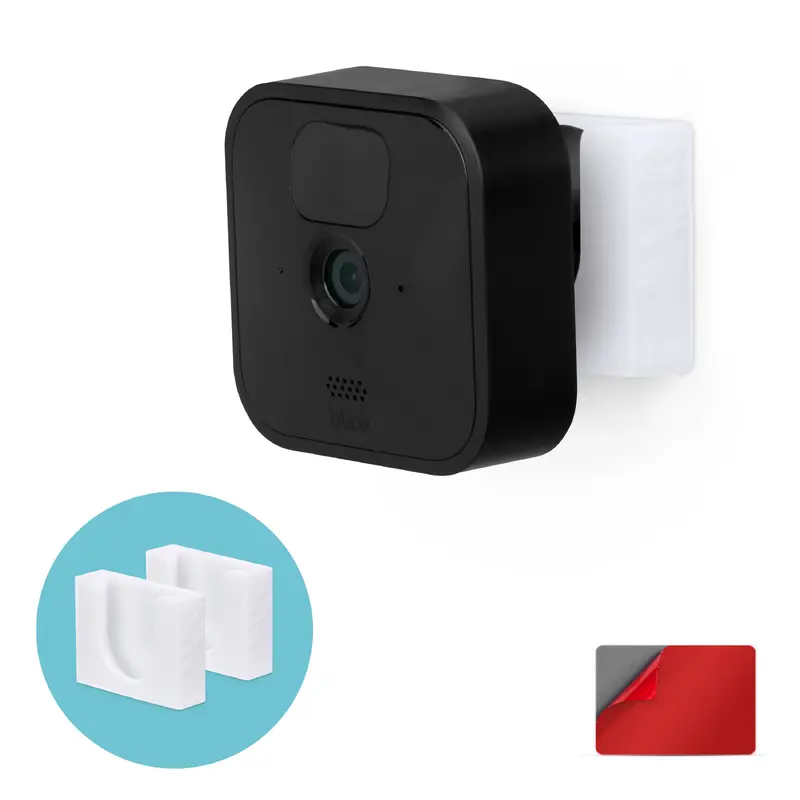
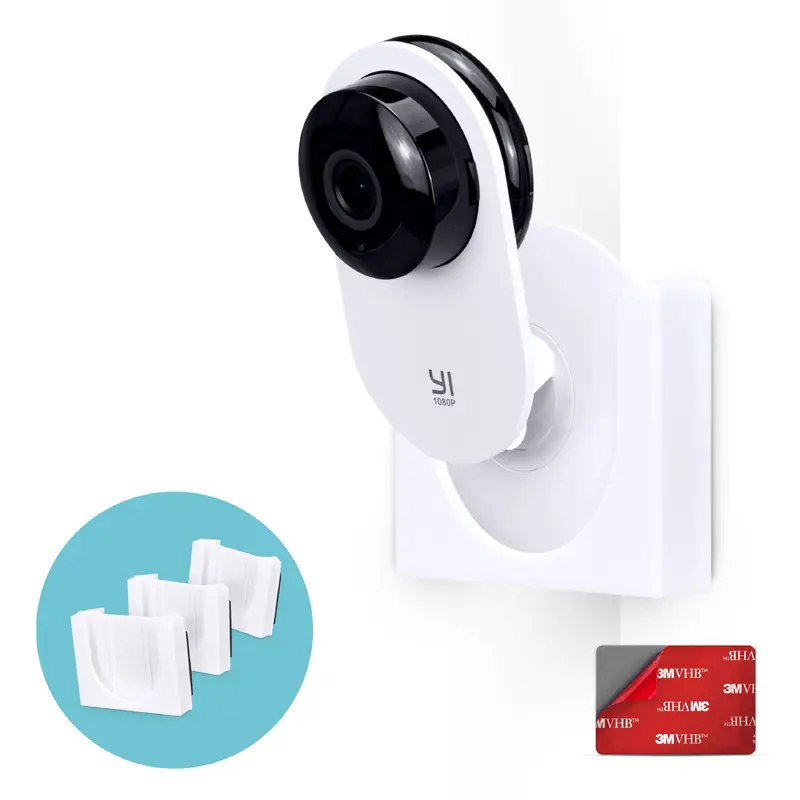
Your camera fits easily and securely into the custom designed slot, no screws or bolts, simply slide into place. The mount attaches easily with super strong VHB tape, with no mess and no drilling needed, opening up even more locations to mount your camera.
The corner mounted design gives a wider viewing angle and allows your camera to see even more of your space, keeping your home even more protected. IMPORTANT: Not recommended to be used on painted, plastered or wall papered walls.
Not 1 but 2 holders included, simply place multiple mounts around your home and move your camera easily between them.